OroCommerce Integrations
OroCommerce at the Center of Your B2B Stack
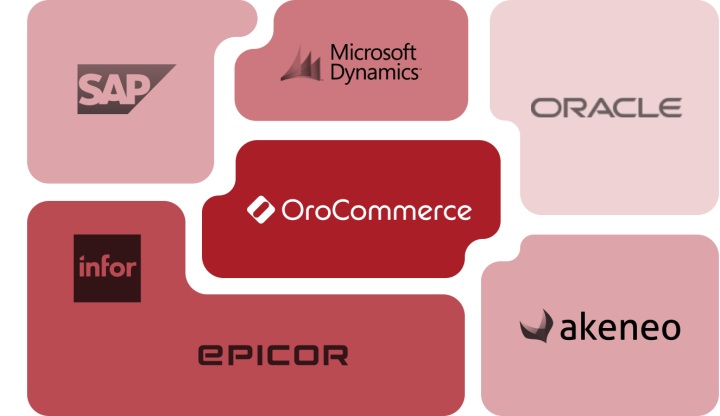
Most manufacturers and distributors now run dozens of applications across finance, operations, and sales. That sprawl isn’t going away, but it can be organized. OroCommerce’s API-first design makes it straightforward to connect ERPs, PIM, CRM, WMS, tax, payment, and procurement systems, so data can move in and out without locking you into a single vendor or integration pattern.
Because OroCommerce is built for B2B from the ground up, many of those functions also live inside the platform at no extra license cost: CRM, workflows, invoicing, payments, CMS, and AI tools. You can keep trusted systems where they are, replace others over time, or run a mix of both. Whatever you choose, you know your commerce platform can handle it.
Common Integration Technologies

Rest API
OroCommerce exposes core commerce objects like customers, accounts, products, prices, quotes, orders, and inventory, through JSON:API-based REST endpoints. That makes it easier to connect your systems directly, or through middleware such as ESBs and iPaaS tools. You get predictable resource structures and versioned endpoints that support both day-to-day operations and larger projects like data warehouse feeds or AI services.

Import/Export
For bulk data work, OroCommerce includes a native import/export engine. Commerce and IT teams can load or update large sets of products, price lists, customer records, and inventory using CSV or spreadsheet files, either as a one-time migration or on a recurring schedule. Mappings and templates help standardize these jobs so they’re repeatable without new development each time you need to adjust data.

SFTP and File-Based Flows
Some systems can’t connect over modern APIs. OroCommerce supports file-based integrations over SFTP for those cases, typically to exchange product, price, inventory, or order files with legacy ERPs, WMS, or external partners. Scheduled jobs control when files are imported or exported and how they’re validated, giving you a stable pattern for systems that still rely on batch updates.
How OroCommerce Connects
to Your Core Systems
- ERP
- PIM
- CRM
- BI, Data, and AI
- Middleware & iPaaS
- Other Systems
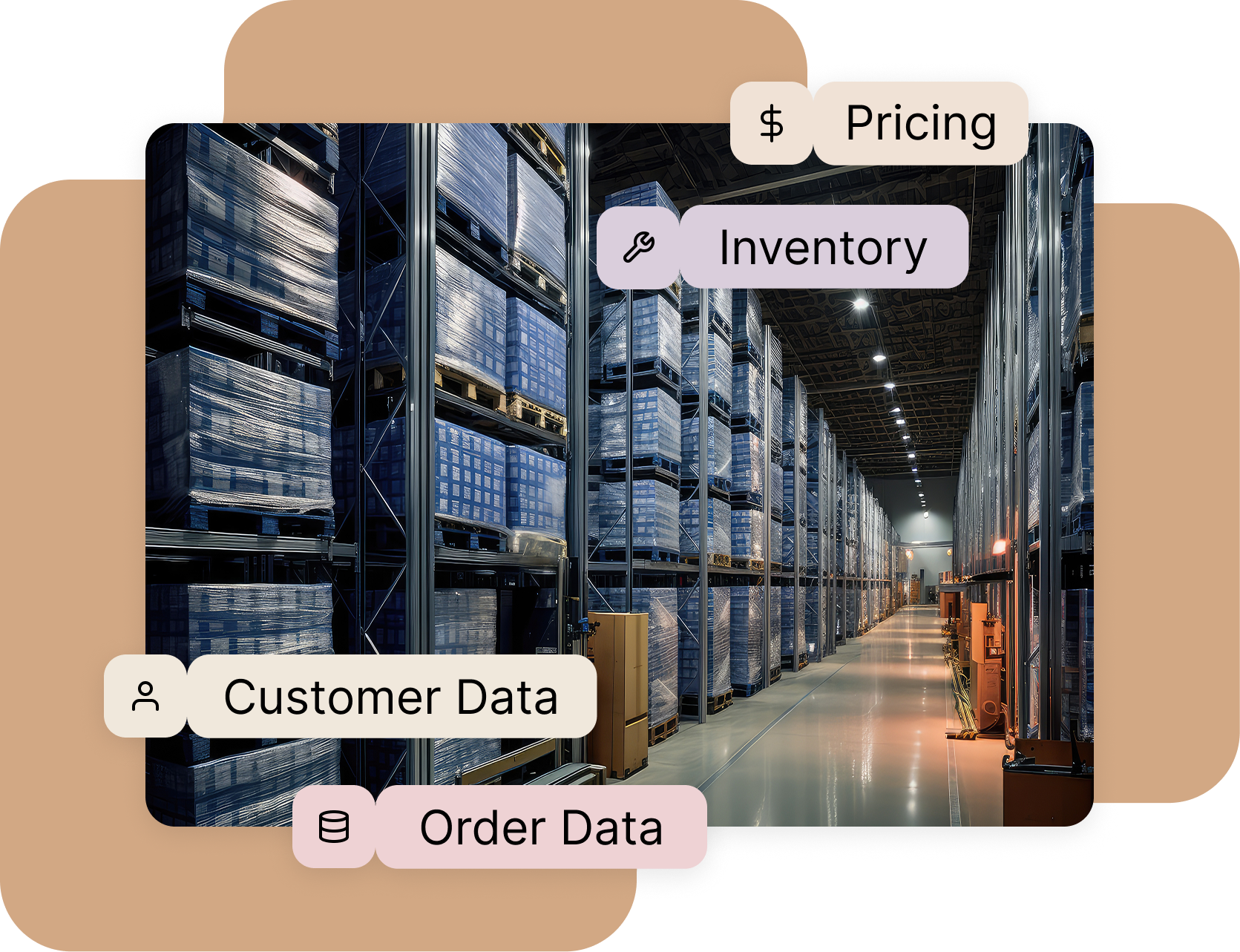
- Surface contract pricing, discounts, and payment terms from one or more ERPs directly in OroCommerce.
- Send web quotes and orders back to the ERP, then return invoice, shipment, and tracking details to the storefront and sales tools.
- Sync customer records, account hierarchies, and addresses so buyers see their own companies, branches, and ship-to locations.
- Reflect inventory across multiple warehouses or plants with configurable stock rules to prevent overselling and surprise backorders.
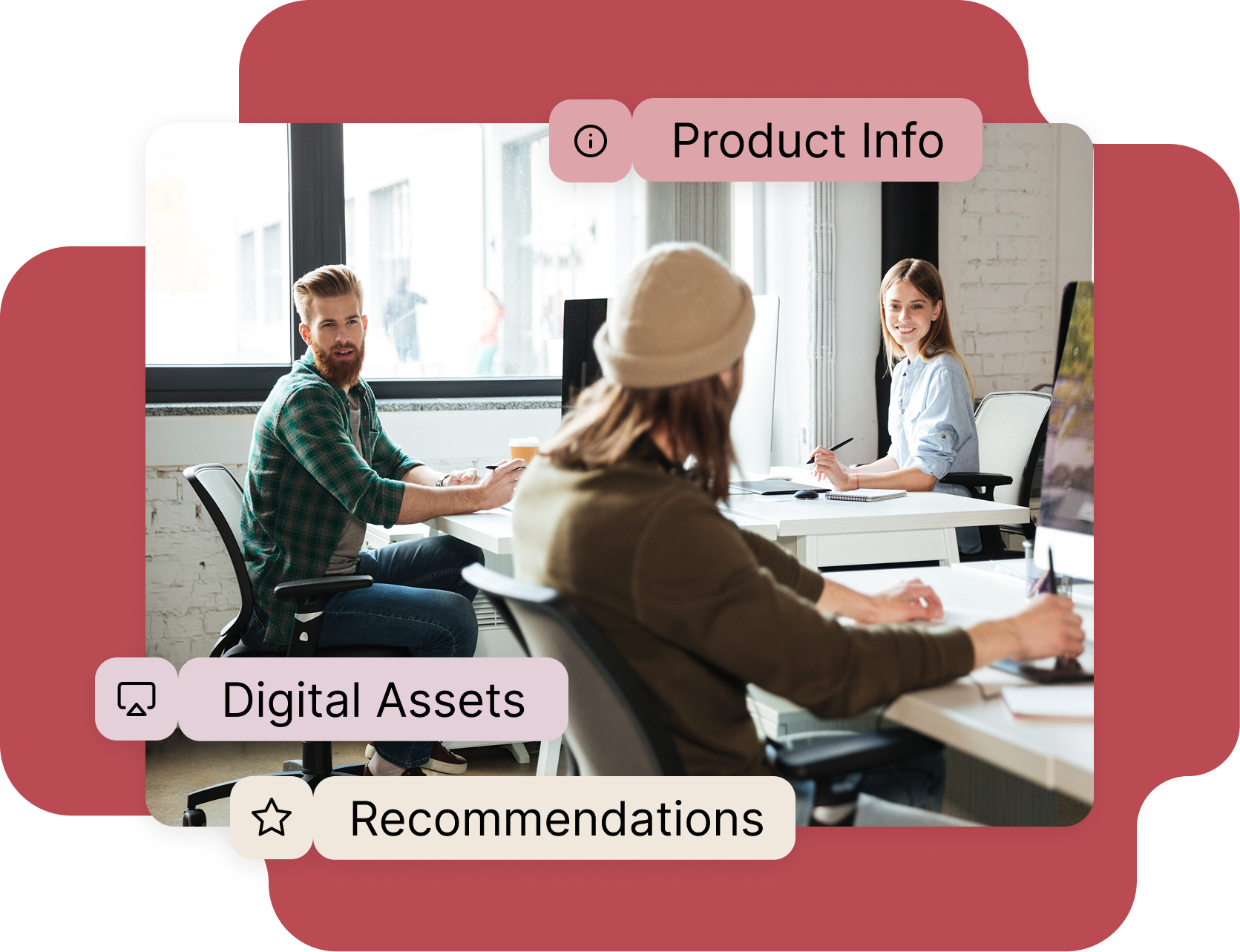
- Sync category trees, product families, and attributes from your PIM so OroCommerce always reflects the latest product structure.
- Pull rich content such as technical specs, safety data, drawings, images, and videos to power search, filtering, and product comparison.
- Use PIM-driven attributes and relationships to support channel-specific assortments and “works with” style suggestions for spare parts, kits, and compatible products.
- Connect OroCommerce to existing CRMs such as Salesforce or Microsoft Dynamics to sync accounts, contacts, opportunities, and key commerce metrics.
- Feed web quotes, orders, and reorder behavior into your CRM so sales teams see which customers are active online and what they’re buying.
- Use CRM data like industry, segment, and account ownership to drive catalogs, pricing, and promotions in OroCommerce.
- If you don’t have a separate CRM, use the native CRM included with OroCommerce at no additional license cost to manage accounts, activities, and pipelines in the same platform as your storefront.
- Export or stream orders, quotes, customer records, and product data from OroCommerce into BI tools or data warehouses for reporting on margin, product mix, and buyer behavior.
- Use that same structured commerce data as input for your own AI services, such as forecasting, recommendations, or anomaly detection.
- Power OroCommerce’s AI features – including search, recommendations, and order automation tools like AI SmartOrder and AI SmartAgent – with up-to-date ERP, PIM, and CRM data so suggestions match real prices, availability, and contracts.

- Connect OroCommerce to platforms like MuleSoft, Boomi, Celigo, Patchworks, and iPaaS.com to route data between ERP, PIM, CRM, and other apps.
- Use OroCommerce’s JSON:API-based REST while the middleware layer handles mapping, transformation, and monitoring.
- Standardize integrations once, then reuse them as you add new sites, regions, or channels.

- Tax: Connect OroCommerce to tax engines such as Avalara AvaTax for automated, jurisdiction-specific tax calculation on carts, orders, and invoices.
- eProcurement & Punchout: Use TradeCentric to handle PunchOut, purchase order, and invoice flows between OroCommerce and buyer platforms like SAP Ariba, Coupa, and Jaggaer.
- Payments: Run B2B payments through OroPay or connect other gateways to process card and ACH payments tied back to orders and invoices.
- Shipping & Logistics: Integrate carriers, 3PLs, or TMS systems so rates, shipping options, and tracking updates flow through OroCommerce.
- Sales and Field Apps: Use OroCommerce’s APIs to power PWA-based sales tools for reps or use the native mobile-first PWA sales app.
How OroCommerce Integrations Are Planned and Delivered

Discovery
Your team, your implementation partner, and OroCommerce start by mapping the current stack and any custom tools in play. For each domain (customers, products, pricing, inventory, orders) you decide which system is the source of truth, what needs to move where, and how often. The outcome is a clear list of required integrations, data ownership, and the scope for an MVP.

Integration Architecture
Next, the team designs how OroCommerce will connect to each system in practice: which flows use JSON:API-based REST, which rely on batch APIs or SFTP, where middleware sits, and how errors are logged and handled. OroCommerce’s workflow engine is used to orchestrate what happens when key events occur, so business rules stay consistent across channels.

Implementation and Rollout
Allow procurement specialists to self-serve with fast search, simple navigation, and millions of SKUs at their fingertips. Give buyers visibility into their orders and the security and peace of mind that their goods will be produced and delivered on time.
OroCommerce Integration Success Story
A North American HVAC manufacturer and distributor was juggling 12 ERPs and several one-off customer portals, forcing support staff to chase order numbers across back-office screens.
With OroCommerce, they launched a single customer portal on top of Oracle JD Edwards EnterpriseOne, a cloud PIM, and SharePoint, so buyers and internal teams track orders and documents in one place. They also retired Salesforce CRM in favor of OroCommerce’s native CRM, shrinking their integration footprint and gaining a combined view of customers and their buying activity.

Explore More Resources
The Quiet Reset in Enterprise B2B Commerce Technology Buying
A clear look at how enterprise B2B companies are rethinking their eCommerce stacks for speed, fit, and long-term flexibility.
Guide: Mastering eСommerce ERP Integration for B2B Organizations
Learn how to scope ERP–commerce integrations, choose sync patterns, and manage risk during rollout.
On-Demand Webinar on ERP-Connected Commerce
Discover how unified commerce architecture connects workflows, reduces manual touchpoints, and lays the groundwork for practical AI adoption in B2B.